
RATreeView (iOS 7.0+, tvOS 9.0+)
代码介绍地址:介绍地址
Introduction
iOS | tvOS
:-------------------------:|:-------------------------:
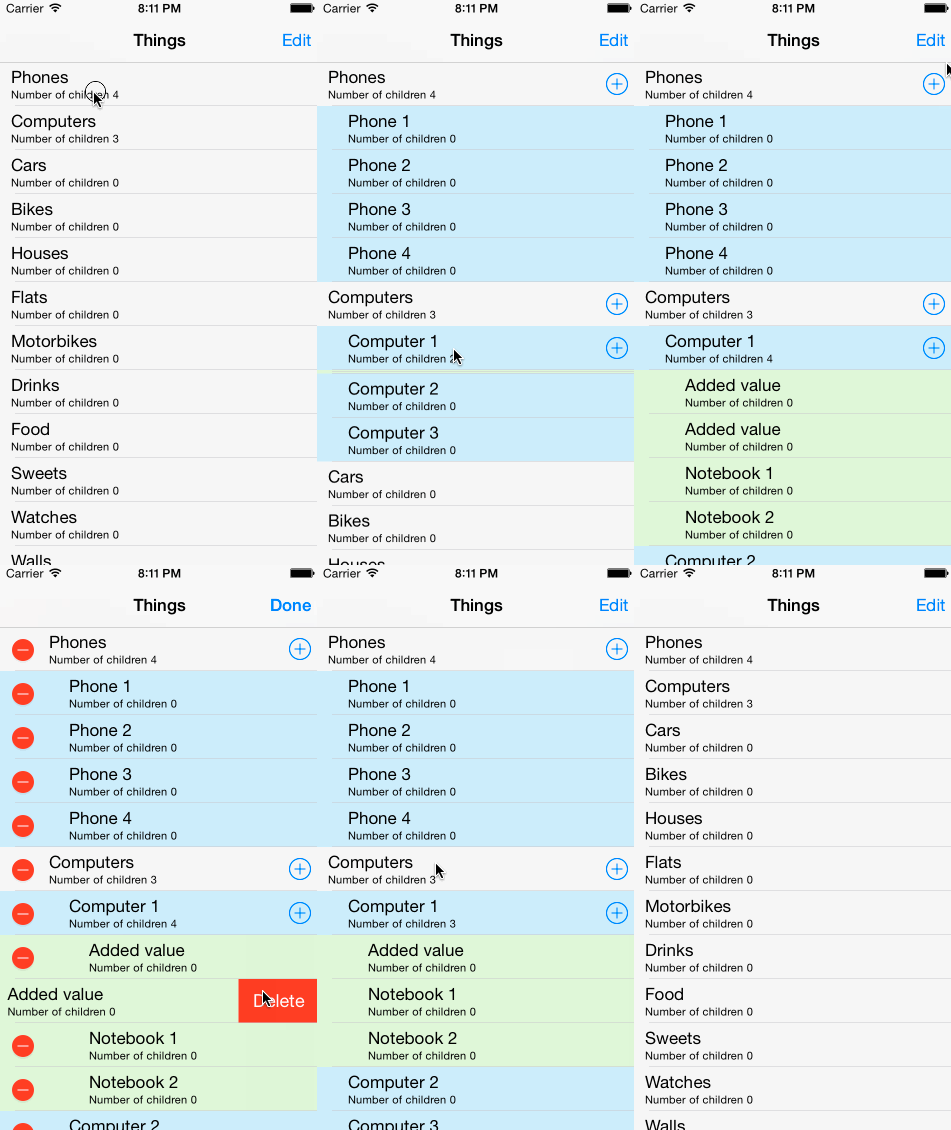 |
| 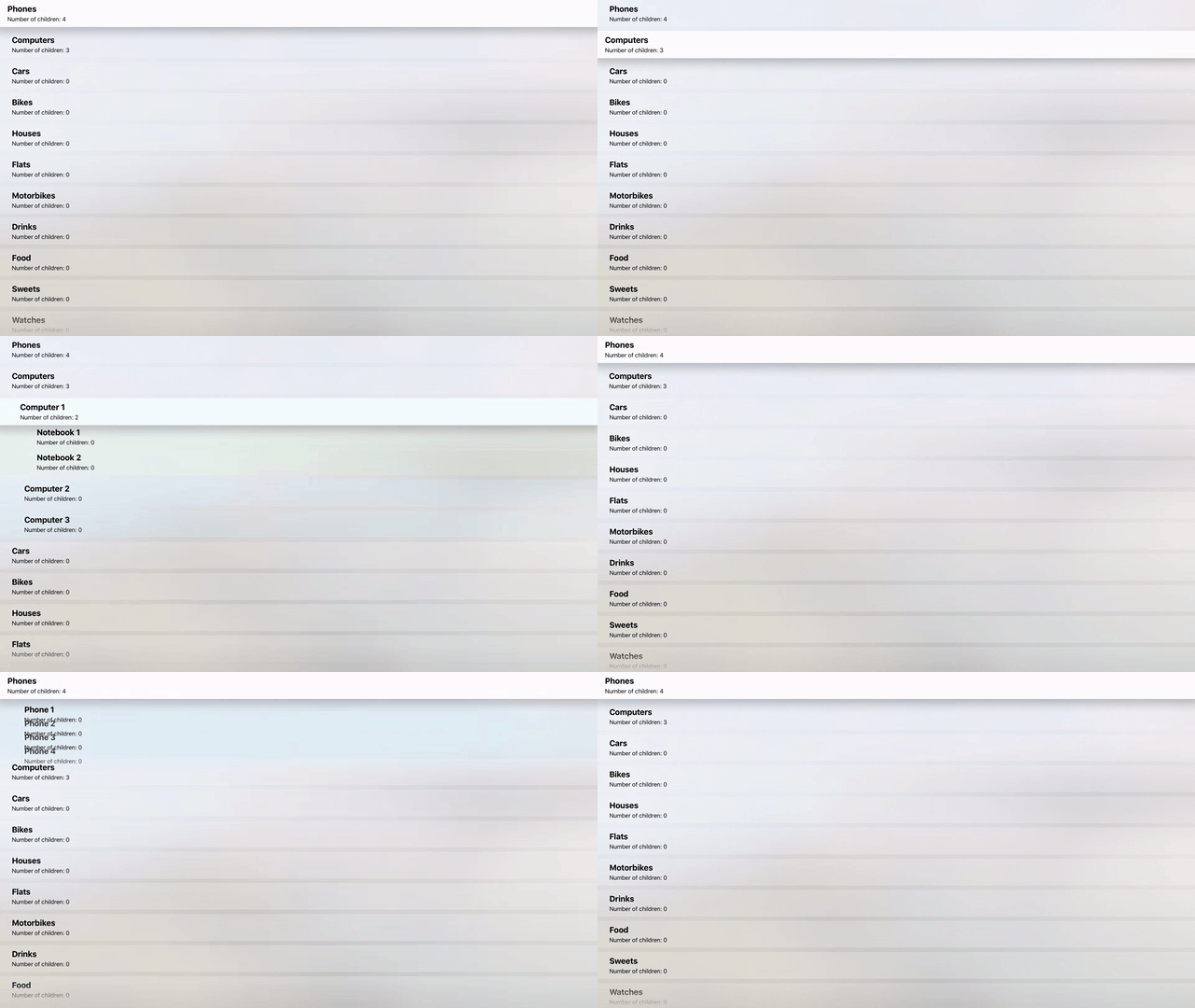
RATreeView 是一个类,旨在提供简单愉快的方式在 iOS 和 tvOS 上使用树视图。 它作为 UITableView 的包装器,定义自己的委托和数据源方法,使得使用树数据结构变得非常容易。
RATreeView 是高度可定制的,并有很多功能。
Installation 安装方法
CocoaPods
CocoaPods is the recommended way to add RATreeView to your project.
- Add additional entry to your Podfile.
pod "RATreeView", "~> 2.1.1"
- Install Pod(s) running
pod installcommand. - Include RATreeView using
#import <RATreeView.h>.
###Source files
- Downloaded the latest version of the library using link.
- Copy content of the downloaded (and unzipped) zip file into your project by dragging it into Project's navigator files structure.
Requirements 环境需求
- Xcode 5
- iOS 7 or newer/tvOS 9 or newer
Usage 使用方法
Check out the demo for example usage of library. Make sure you read the RATreeView documentation on Cocoa Docs.
Basics
-
Add following import in file of your project when you want to use RATreeView:
// In case you are using RATreeView with CocoaPods
#import <RATreeView.h>
// In case you are using RATreeView by simply copying // source files of the RATreeView into your project #import "RATreeView.h" -
Simplest way to initialize and configure RATreeView:
RATreeView *treeView = [[RATreeView alloc] initWithFrame:self.view.bounds]; treeView.delegate = self; treeView.dataSource = self; [self.view addSubview:treeView]; [treeView reloadData]; -
Implement required methods of the RATreeView's data source:
- (NSInteger)treeView:(RATreeView *)treeView numberOfChildrenOfItem:(id)item
{
    return item ? 3 : 0;
}
- (UITableViewCell *)treeView:(RATreeView *)treeView cellForItem:(id)item treeNodeInfo:(RATreeNodeInfo *)treeNodeInfo { // create and configure cell for *item* return cell }- (id)treeView:(RATreeView *)treeView child:(NSInteger)index ofItem:(id)item { return @(index); }
###Adding Pull to Refresh control
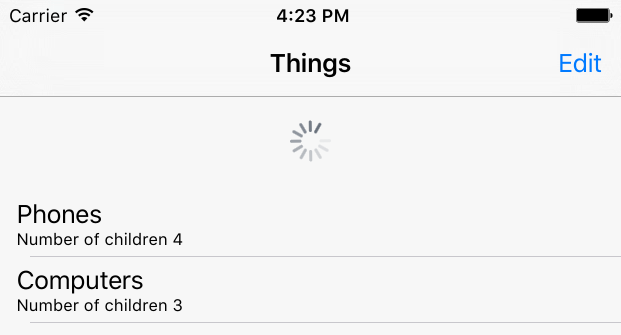
Adding pull to refresh gesture is really easy using RATreeView and standard UIRefreshControl control.
UIRefreshControl *refreshControl = [UIRefreshControl new];
[refreshControl addTarget:self action:@selector(refreshControlChanged:) forControlEvents:UIControlEventValueChanged];
[treeView.scrollView addSubview:refreshControl];
Documentation 参考文档
Author
RATreeView was created by Rafał Augustyniak. You can find me on twitter (@RaAugustyniak).
 Select Language